Tutorial Gallery#
This gallery is organised into:
Quick Start (Low Hardware Requirements). Good for newcomers. Includes tips and tricks, and dealing with common questions when first adopting PyEarthTools.
Working with Station Data (Medium Hardware Requirements) Examples of how to connect to a new data source and handle new data structures.
Tutorials on Specific Modelling Objectives. Good starting points for people interested in specific modelling opportunities, or for those looking to see an end-to-end approach.
How-to Guides for Working with Components of PyEarthTools. Good for those wanting to understand a specific concept within PyEarthTools but don’t require an end-to-end modelling demonstration.
Introductory Guides
Deep Dive - The Data Module
Deep Dive - The Pipeline Module
Each tutorial is marked with its last-tested date.
Manual testing is done at NCI (Australia) with a data archive already established. Some notebooks also draw data from cloud hosted data sources. Some notebooks are also tested in other computing environment when time allows.
Quick Start (Low Hardware Requirements)#
These tutorials can be run on a 4GB GPU using relatively low volumes of data (3-10GB). They will also work in HPC environments.
Title |
Description |
Image |
Notebooks |
Last Tested |
|---|---|---|---|---|
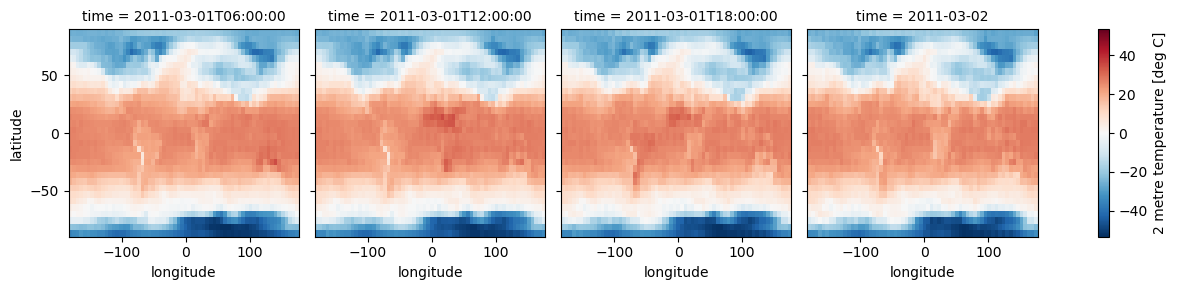
Simplified weather model |
Train a reduced-size weather model on a standard GPU with fetchable dataset |
|
Train and run a simplified global weather model (low hardware and data requirements) |
18 Aug 2025 |
MLX Demo |
Shows how to integrate PyEarthTools with a non-PyTorch framework (Apple MLX) optimised for M-series chips |
|
8 Jun 2025 |
|
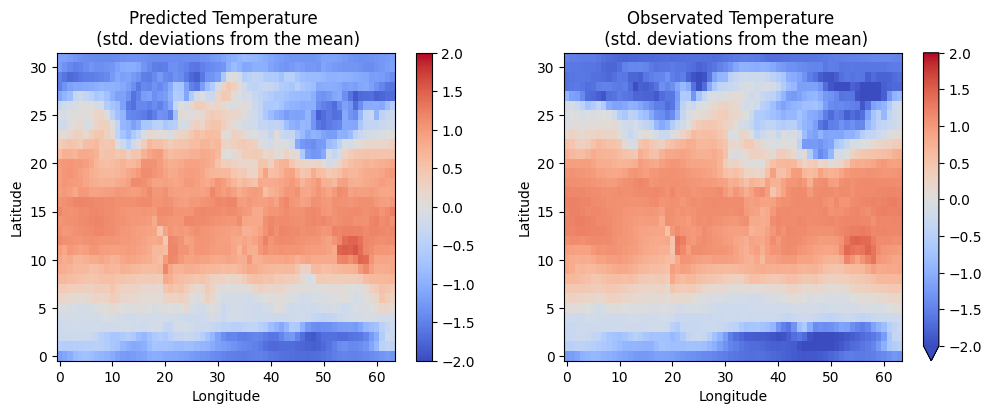
Convolutional Neural Net on ERA5 |
Shows all steps to train a CNN on ERA5, running on CPU or a standard GPU |
|
25 Aug 2025 |
|
Radar Visualisation |
Shows how to visualise radar data as a time-series, in 2D and in 3D |
|
23 Aug 2025 |

Working with Station Data (Medium Hardware Requirements)#
These tutorials have been tested on a laptop with 36GB of RAM as well as on an HPC node with a large amount of RAM. They do not require a GPU as they do not include model training. 29GB of data will be downloaded. Additional disk space is needed for reprocessing the data. The notebooks may require user modification to run with less than 36GB of RAM.
This series of tutorals shows you how to download a new dataset, chunk and group the dataset, and then create a PyEarthTools data accessor to work with and combine that data with other sources - such as for model training or model evaluation. For these tutorials, we will use the HadISD dataset. However, the patterns are repeatable, so can be used with other datasets.
The data license for HadISD is available here.
Title |
Description |
Image |
Notebooks |
Last Tested |
|---|---|---|---|---|
One - Introduction |
Introduction to station data |
(no image) |
5 Nov 2025 |
|
Two - Data Download |
Perform inital data downloading |
(no image) |
5 Nov 2025 |
|
Three - Small Chunks |
Group the data by decade in small groups |
(no image) |
5 Nov 2025 |
|
Four - Make Large Groupings |
Group the data by decade in large groups |
(no image) |
5 Nov 2025 |
|
Five - Data Accessor |
Integrate the data with PyEarthTools pipelines |
(no image) |
5 Nov 2025 |
Tutorials on Specific Modelling Objectives#
These notebooks start with the basics and work up towards more complex examples, showing how to work with the classes and functions within the package to achieve objectives.
These tutorials require a high-performance computing environment and work with very large data volumes.
Title |
Description |
Image |
Notebooks |
Last Tested |
|---|---|---|---|---|
ENSO Prediction |
The El Niño–Southern Oscillation (ENSO) is a major driver of climate variability, influencing regional and global weather patterns. It has been linked to extreme weather events across the globe, including droughts, floods, and shifts in precipitation. Weather centres around the world actively forecast ENSO to anticipate these patterns. |
|||
ENSO Tech Test: Quick check to load and plot input data |
16 Aug 2025 |
|||
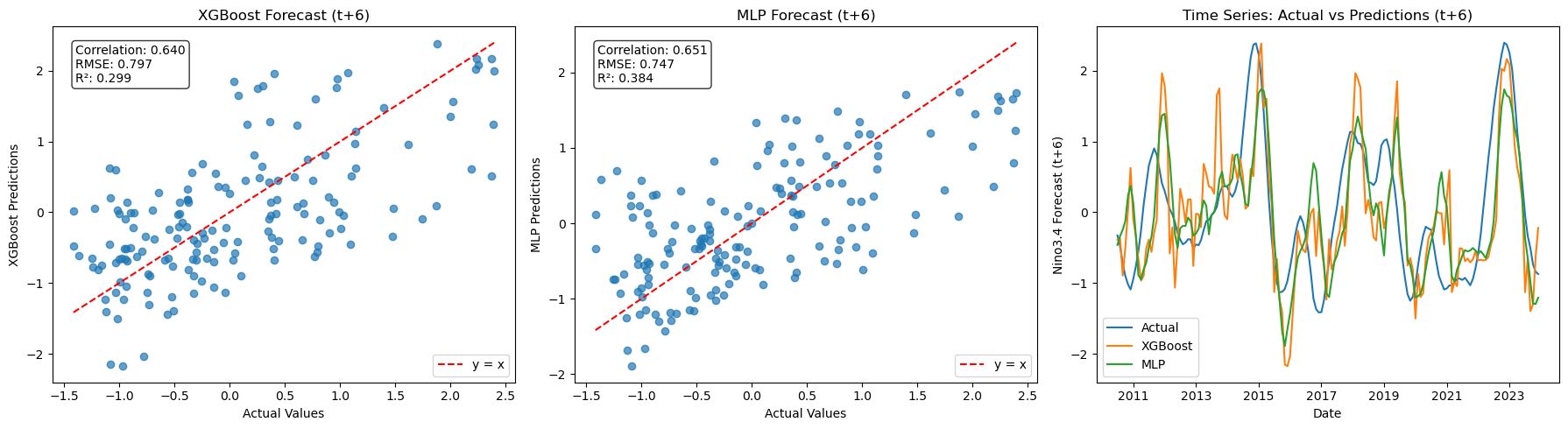
ENSO Forecast: XGBoost and MLP time-series forecasting |
|
16 Aug 2025 |
||
ENSO Pipeline: PyEarthTools Pipeline approaches for ENSO |
|
16 Aug 2025 |
||
ENSO Gridded MLP: Using PyEarthTools pipelines for spatial-temporal approaches to ENSO modelling |
|
16 Aug 2025 |
||
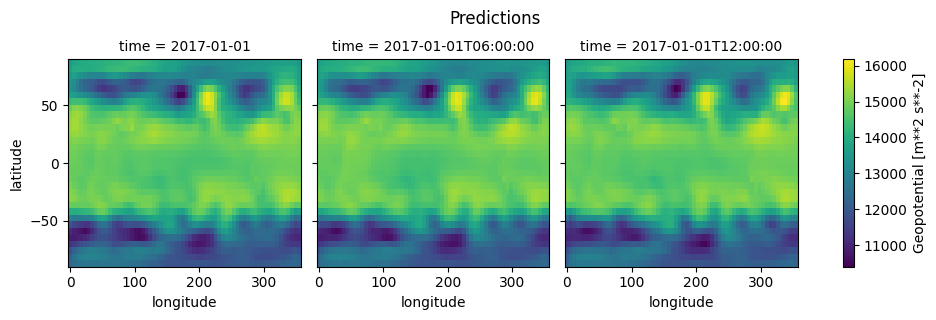
Training a high resolution global atmospheric model |
Shows all steps to train the FourCastNeXt neural earth system model |
22 Aug 2025 |
||
Predicting the weather |
Shows how to use a trained atmospheric model to make weather predictions using the FourCastNeXt model |
|
NOT working on 1 June 2025, requires fixes to the configuration files to work for all users, will be restored in future |

How-to Guides for Components of PyEarthTools#
Introductory Guides#
Title |
Description |
Notebook |
Last Tested |
|---|---|---|---|
Data access at NCI |
Shows how to access NCI (Australia) data collections |
18 Aug 2025 |
|
Downloading ERA5 |
How to download a copy of ERA5 for yourself |
18 Aug 2025 |
|
Accessing ERA5 |
Shows how to load ERA5 with PyEarthTools |
18 Aug 2025 |
|
Accessing BARRA-R2 |
Shows how to load BARRA-R2 with PyEarthTools |
10 Oct 2025 |
|
Introduction to Pipelines |
Introduces the concept of a Pipeline |
18 Aug 2025 |
|
Multiple data sources |
Shows how to take a wide variety of different geospatial data sources and join them into a single data structure for use in machine learning |
18 Aug 2025 |
|
Working with climate data |
Shows how to load and work with climate data, which uses non-standard date time libraries. Note, because of the date-time differences, it is not easy to work with climate data and weather data at the same time. |
18 Aug 2025 |
Deep Dive - The Data Module#
These notebooks provide more detailed content on working with more complex data use cases
Title |
Description |
Notebook |
Last Tested |
|---|---|---|---|
Data Indexing |
Explains the PyEarthTools approach to data indexing |
18 Aug 2025 |
|
Single-sample (single-file) retrieval |
– |
18 Aug 2025 |
|
Multi-sample (multi-file) retrieval |
– |
18 Aug 2025 |
|
Transform-on-load |
How to transform and adjust data at load-time |
18 Aug 2025 |
|
Applying data transforms |
– |
18 Aug 2025 |
|
Geospatial subsetting |
– |
18 Aug 2025 |
Deep Dive - The Pipeline Module#
These notebooks demonstrate the concepts included in the pipeline modules, which users may need to construct more complex data processing logic for multi-modal models.
Title |
Description |
Notebook |
Last Tested |
|---|---|---|---|
Basics |
Introduction to what a pipeline is (essential reading) |
18 Aug 2025 |
|
Operations |
Introduction to pipeline operations |
18 Aug 2025 |
|
Modifications |
Introduction to pipeline modifications |
22 Aug 2025 |
|
Branching |
– |
18 Aug 2025 |
|
Patterns |
Recommended design patterns for pipelines |
21 Oct 2025 |